There are few coding standards and conventions are provided by Epic Games for UE4 code.
Unfortunately, default Visual Studio formatter doesn't know anything about it. Just press Ctrl+K / Ctrl+D and you'll see:

It's not cool. Just not cool.
But fortunately, it's easy to instruct the formatter to work right. Just create the .clang-format file and place it into the Source folder of your project with following content:
---
Language:                                       Cpp
BasedOnStyle:                                   LLVM
IndentWidth:                                    4
TabWidth:                                       4
UseTab:                                         Always
Standard:                                       Cpp11
AccessModifierOffset:                           -4
AlignAfterOpenBracket:                          DontAlign
AlignEscapedNewlines:                           Right
AlignTrailingComments:                          true
AllowShortCaseLabelsOnASingleLine:              true
AllowShortFunctionsOnASingleLine:               InlineOnly
BreakBeforeBraces:                              Allman
BreakConstructorInitializersBeforeComma:        true
ColumnLimit:                                    0
PointerAlignment:                               Left
SpacesInAngles:                                 false
---
Language:                                       ObjC
...
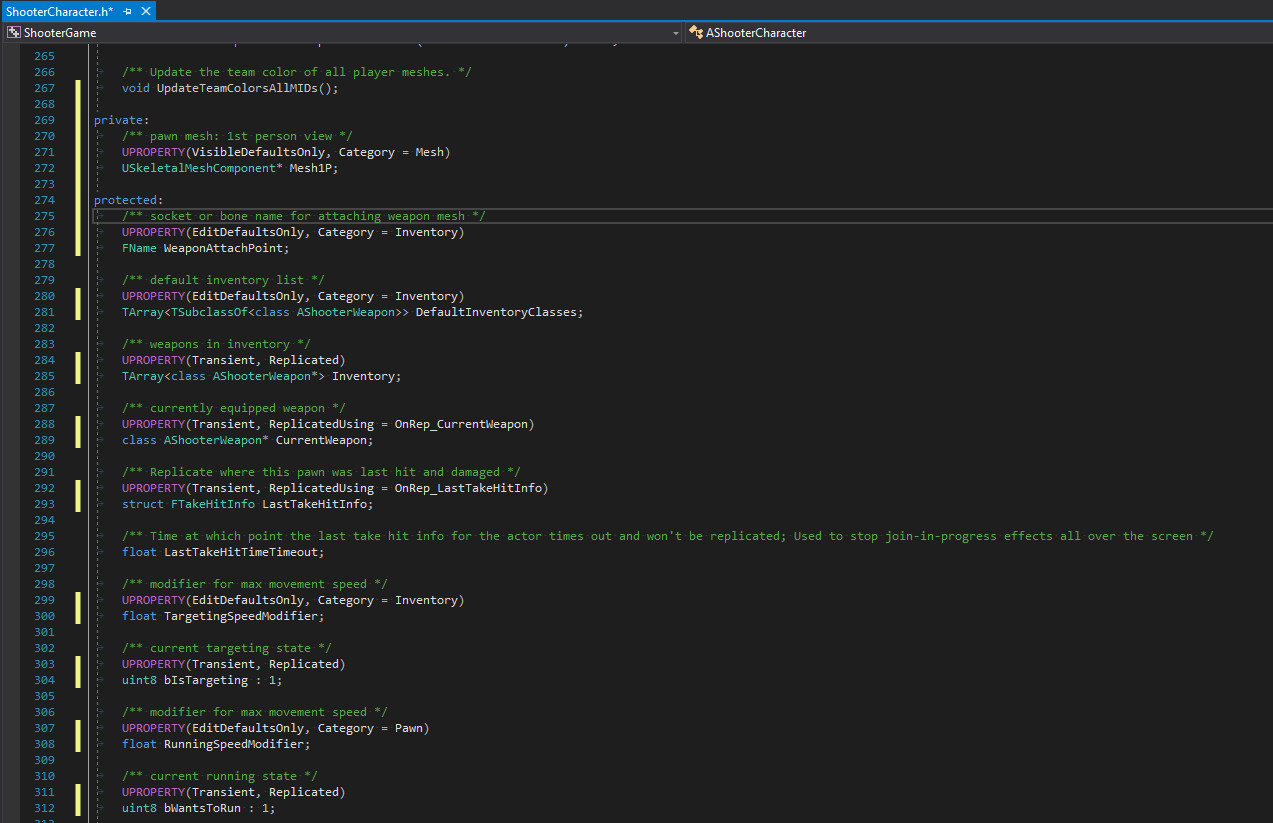
After that, clang-format will do its job as it should, and your code for Unreal Engine 4 based game will look gorgeous.
P.S. - Instruction for Mac/XCode users is available by demand.